Create Project Reports Online for MSMEs
MSMEs play a critical role in business growth, but preparing proper project documentation is often a challenge for small business owners. Manual formats, spreadsheets, and consultant dependency make the process slow and confusing. An MSME project report tool solves this problem by allowing businesses to create structured project reports online in a simple and efficient way.
Skara Financial’s MSME project report tool is designed specifically for micro, small, and medium enterprises. It helps MSME owners prepare professional project reports with financial projections through a guided online process.
Standard Project Report Template
Accepted by banks, NBFCs & government schemes
- Executive Summary
- Business & Industry Overview
- Cost & Means of Finance
- Profit & Loss Projection
- Balance Sheet & Cash Flow
- CMA Data (Optional)
Skara Financial Services
Project Reports Online in Minutes
What Is an MSME Project Report Tool?
An MSME project report tool is an online software that helps small and medium businesses create detailed project reports without manual effort. The tool collects business and financial inputs and automatically generates a structured project report suitable for business documentation.
Using an MSME project report tool, businesses can:
-
Prepare project reports online
-
Generate financial projections automatically
-
Avoid manual calculations and formatting
-
Save time and effort
This makes the tool ideal for MSMEs that want speed and accuracy.
Why MSMEs Need a Dedicated Project Report Tool
MSMEs often operate with limited resources and time. Preparing project reports manually can delay important business decisions. An online MSME project report tool simplifies this process by automating key steps.
Key benefits for MSMEs:
-
Faster project report creation
-
Reduced dependency on external consultants
-
Accurate financial projections
-
Professional and structured documentation
-
Easy-to-use online interface
With an MSME project report tool, small businesses can focus more on operations and growth.
Let's create your bank-ready Project Report
How the MSME Project Report Tool Works
Skara Financial’s MSME project report tool follows a simple, step-by-step workflow designed for ease of use.
Step 1: Enter Business Owner Details
Start by filling in basic details such as owner name, contact information, and number of employees.
Step 2: Add MSME Business Information
Enter your business name, nature of business, industry type, and operational details. The tool is structured to support common MSME business models.
Step 3: Provide Financial Inputs
Input investment details, estimated monthly expenses, and expected sales figures.
Step 4: Automatic Financial Projections
The MSME project report tool automatically calculates financial projections based on the provided data.
Step 5: Review and Download
Review the generated report and download it in PDF format once ready.
This guided approach makes the MSME project report tool reliable and easy to use.
Features of the MSME Project Report Tool
Skara Financial’s MSME project report tool online includes all the essential features required for professional documentation.
Automated Financial Calculations
The tool automatically prepares financial projections, reducing calculation errors.
Structured Project Report Format
Each report follows a clean and professional structure suitable for MSME documentation.
MSME-Focused Design
The tool is designed keeping MSME business requirements in mind.
Instant PDF Download
Once created, reports can be downloaded instantly in PDF format.
Online Accessibility
The MSME project report tool can be accessed anytime from any device.
Who Should Use an MSME Project Report Tool?
An MSME project report tool is useful for a wide range of small and medium businesses.
Ideal users include:
-
Micro and small business owners
-
Manufacturing units
-
Trading businesses
-
Service-based MSMEs
-
Startup ventures under MSME category
The tool adapts to different MSME business types while maintaining accuracy.
MSME Project Report Tool vs Manual Preparation
Manual MSME Project Reports:
-
Time-consuming process
-
High chance of errors
-
Inconsistent formatting
-
Dependency on spreadsheets
MSME Project Report Tool:
-
Faster online preparation
-
Automated calculations
-
Consistent structure
-
Professional PDF output
Using an MSME project report tool improves efficiency and reliability.
Why Choose Skara Financial’s MSME Project Report Tool?
Skara Financial understands the challenges faced by MSMEs. The MSME project report tool is built to simplify documentation without adding complexity.
What makes this tool suitable for MSMEs:
-
Simple and guided workflow
-
No technical knowledge required
-
Focus on essential business inputs
-
Reliable financial projections
-
Designed for first-time users
The tool helps MSMEs create reports confidently and quickly.
Create MSME Project Reports Online with Ease
With an online MSME project report tool, small businesses can prepare structured project reports without manual effort. The tool ensures that reports are clear, accurate, and easy to generate.
Instead of spending days on documentation, MSMEs can complete project reports online in a streamlined manner.
Frequently Asked Questions (FAQs) About MSME Project Report Tool
1. What is an MSME project report tool?
2. Is the MSME project report tool suitable for small businesses?
3. Can I create an MSME project report online?
4. Does the tool generate a PDF report?
Start Using the MSME Project Report Tool Today
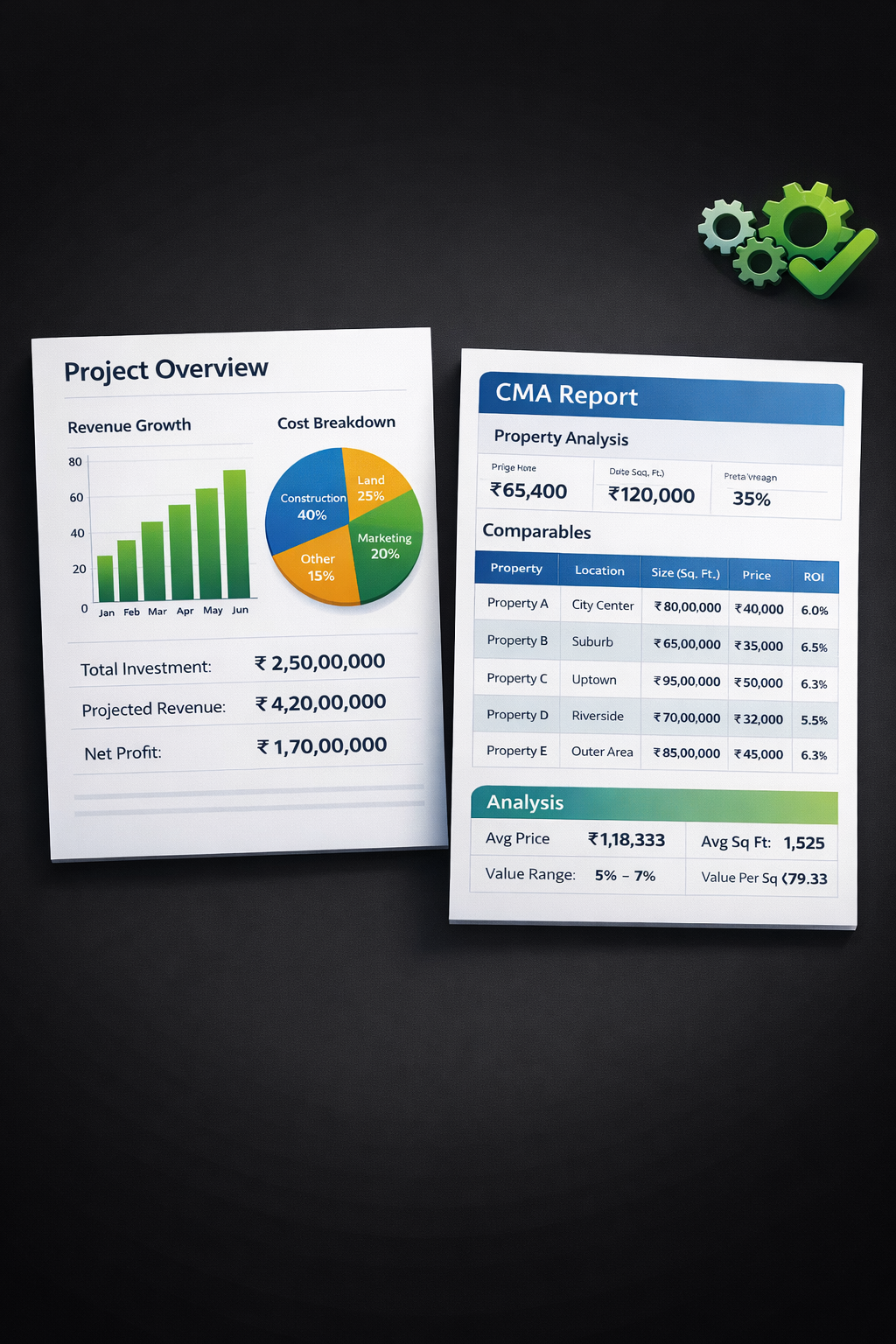
A reliable MSME project report tool helps small businesses create accurate and structured project reports without complexity. By using an online MSME project report tool, you save time, reduce errors, and simplify business documentation.
If you are an MSME owner looking for an efficient way to create project reports online, Skara Financial’s MSME project report tool is designed to support your business needs.
Get started today
Skara Financial Services makes it simple! Whether you need funds for an emergency, a big purchase, or debt consolidation, we’re here to help.

